Using Gemini 3 Pro Preview, it told me in mostly polite terms, that I'm a fucking idiot. Like I would expect a close friend to do when I'm going about something wrong.
ChatGPT with the same prompt tried to do whatever it would take to please me to make my incorrect process work.
Then for some web sites it won't matter and display the dominant language of the country that you're accessing from. My Firefox sends US English as the only preferred language, but a ton of US tech companies default to showing web sites in Japanese without a way to change it because I access them from Japan. It's pretty typical of American companies that don't understand localization and accessibility.
Can you fix the fact that this new email spam category was added and that I was automatically opted into receiving it without my consent? That's fucked. I'm a paying customer and I keep getting advertisements in the Proton desktop applications for various things.(Black Friday deals, other stuff.) I should never see these advertisements if I'm paying you.
> This is particularly true for the visually impaired and some elderly and neuro-atypical people.
The Slack and (Google) Photos icons on Android look so visually similar in the sea of green, blue, red, and yellow icons on Android that I frequently open the wrong application. Using my phone sucks.
Not sure if this will help you, but I keep just one homescreen page with my most-used apps on it, and I've developed muscle memory for all of them. When I set up a new device, I put the same apps in the same spots. Other than the inherent inaccuracy of touchscreens, I could probably open any of them blindly. I also only fill up the bottom half or so of the screen, so they're all easy enough to reach.
I don't know if you can change the icons with the default launcher, but you can with Nova Launcher. I changed pocket's icon to a taco. Not to make it visually distinct but because the placement of the icon on the background made it look like it was going into someone's mouth and I thought it was funny. Anyway, opportunities exist to improve your phone experience without needing to depend on Google to come to its senses.
I have an iPad Mini. I got it mainly for studying and reading. However, it also has become great for being an instrumentalist. I can toss it in my bag, setup it up with the folding case for sheet music, tuning, and everything else. It saves me from having to carry my sheet music books, tuner, and other bits around.
I just returned something on AliExpress last week.(Wrong items sent.) Sagawa showed up at my door to collect the package, I paid nothing, and AliExpress refunded me before it even left the country once Sagawa notified them that the package was collected.
> In addition, the annoyance of these gates comes from having to fiddle with the wallet, etc. in order to find the card or the phone, or the fact that multiples tries may be required for the reader to actually read it;
The NFC readers on the gates in Japan will read cards from several centimeters away. My phone, which has Osaifu-Keitai setup, can be left in my bag and I just wave my bag over the reader as I walk by. It is incredibly rare for a misread to occur. They just work.
No, they don't. Even TFA itself points that the moment you have two cards in close proximity, the reader will read nothing (and he points this as if it was a feature). This is why I have to stop and take my cards out of the wallet every time I want to go in.
It needs to be closer to where the acronym is first introduced. The definition, on my screen, is below the fold so it can not be seen in context of where the acronym is first introduced. If it was defined below the title, I would understand.
This is a somewhat useful feedback, however I am not too sure how this can be fixed given the structure of my blog post. Do you think if I just add a line `*WSC is short for Windows Security Center` in the first paragraph this will be enough?
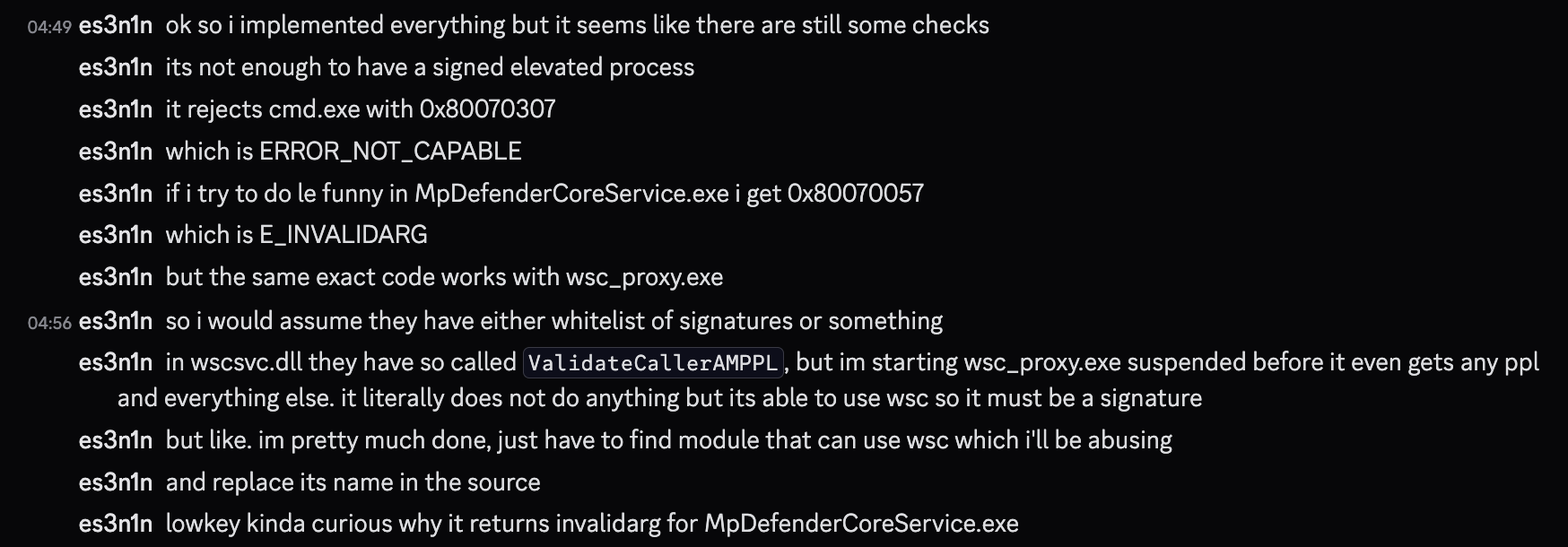
In this post I will briefly describe the journey I went through while implementing defendnot, a tool that disables Windows Defender by using the Windows Security Center (WSC) service API directly.
Or use the abbr (and its title attribute) that was designed for that purpose; no extraneous "flow" breaking required. Mobile people can long press on the indicator to read more, everyone who magically knew what WSC gets to continue to know what WSC means
The typical solution, is to include the expansion in brackets after the first use.
Simple rule I learned on my Electronic Engineering degree (where we're guilty of many, many acronyms): When you write an acronym/initialism in a paper (or anywhere for others to read reall), assume the reader doesn't know what it stands for and include the expansion in brackets immediately after the first use.
EDIT: As my sibling comment also suggests, writing it in full the first time, and using the acronym/initialism in brackets is also acceptable.
I just read the entire article being a bit confused and it wasn't until I read here that I realized that the name of the replacement application is "Windows App".


ChatGPT with the same prompt tried to do whatever it would take to please me to make my incorrect process work.
reply