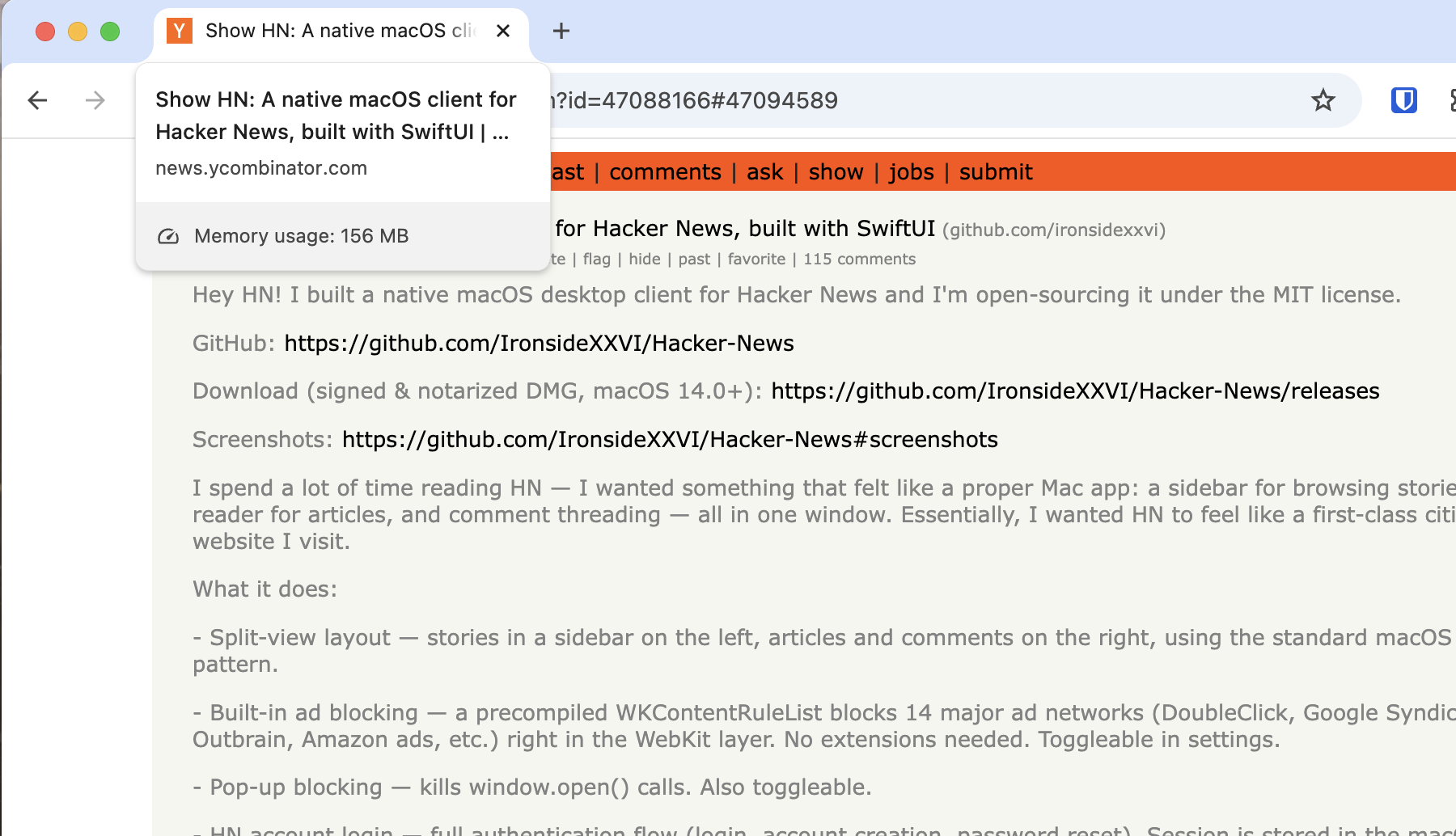
Congrats and building and releasing something. I guess for reading things like this, I'm just a browser kind-of guy. But I still appreciate youre building a NATIVE app that's using around 85MB of working memory (according to my Activity Monotor), and not some Electron thing.
I'm probably just a anti-app guy, but I tried it out.
First thing I went to do was CMD-F to search for some strings in the comments section.
Actually, the real first thing I did, was click on the left-side article preview on the text that said "1 hr ago | 63 comments" thinking it'd navigate me to the comments. See, I like my native hyper-links.
I've never understood the concept of an app wrapper for a link aggregator (HN, reddit, etc). The whole goal is to provide links to external sources, and now I'm browsing the web in a limited web browser without all my extensions etc.
Am I missing some core concept here? Why would I want to browse the web in this app as opposed to a web browser?
Sometimes I like to save the links and comments I find particularly interesting with the "favorite" button, though lately I've debated saving them somewhere else too with a more complicated setup that could also archive both the links and the comments.
As someone who used to use native RSS readers a ton back in the day, the limited web browser usually isn't a problem for just reading a few articles.
I like native apps for things, even link aggregators, because my I want to use my OS's native window management and app management instead of just shoving everything into a browser tab, of which I already have too many. Because then it's just CMD+Tab to Chrome, and then figure out which of the 20+ tabs I'm trying to get to instead of CMD+Tab directly to that specific app.
Anyway, just a bit of old man yelling at cloud but I've always disliked the proliferation of "web app all the things." Might as well not even use a desktop OS at this point and just have a full screen browser window and call it a day.
I'm trying to understand your position here. An app with it's own way to manage multiple browser windows is better, because you have too many tabs open in your browser. If you have multiple links open, the tab management is now a problem in your desktop app instead of the browser. If you don't, then you don't have to manage tabs anyway. What does this solve that a separate browser window doesn't, except not having any way to add extensions like ad blockers or tampermonkey scripts etc?
I guess you could make a web app or app clip but I think this is a cool project. would be good to have a theme engine.
Look at NetNewsWire how good a native app of this kind can be. NNW in particular has great shortcuts, like or opening links in the native browser, and read/unread functionality
I usually don't have multiple HN articles open at a time, but I can see how that would just be replacing one problem (too many browser tabs) for a worse problem (too many, now limited, browser tabs).
It's just nice to have HN as it's own app instead of just another tab in a single app. Same reason I use mail.app vs. webmail, native music app vs the web player, etc.
PWAs also solve the problem, more or less, but it is nice to have something native.
Some people love giving up as much customization and control over their software as possible. iOS over Android. MacOS over Linux. Chrome over Firefox. App stores over installing programs yourself. Apps over websites.
There are various arguments for it (better compatibility/cohesiveness, minimalism, less debugging) but it overall seems like the opposite of the "hacker" mindset which makes how much market share MacOS has in the space very strange.
Ironically, most of the app is a webview. The comments just have some additional CSS styling slapped on top of the hackernews website. So you still have an entire HackerNews site loaded at all times when reading comments anyway.
> But I still appreciate youre building a NATIVE app that's using around 85MB of working memory (according to my Activity Monotor), and not some Electron thing.
Well, assuming you have a browser open anyway, you're still using more memory than if HN is running in another browser tab.
In fact, if every website that you use frequently had its own native app, that would use more memory than you're using now.
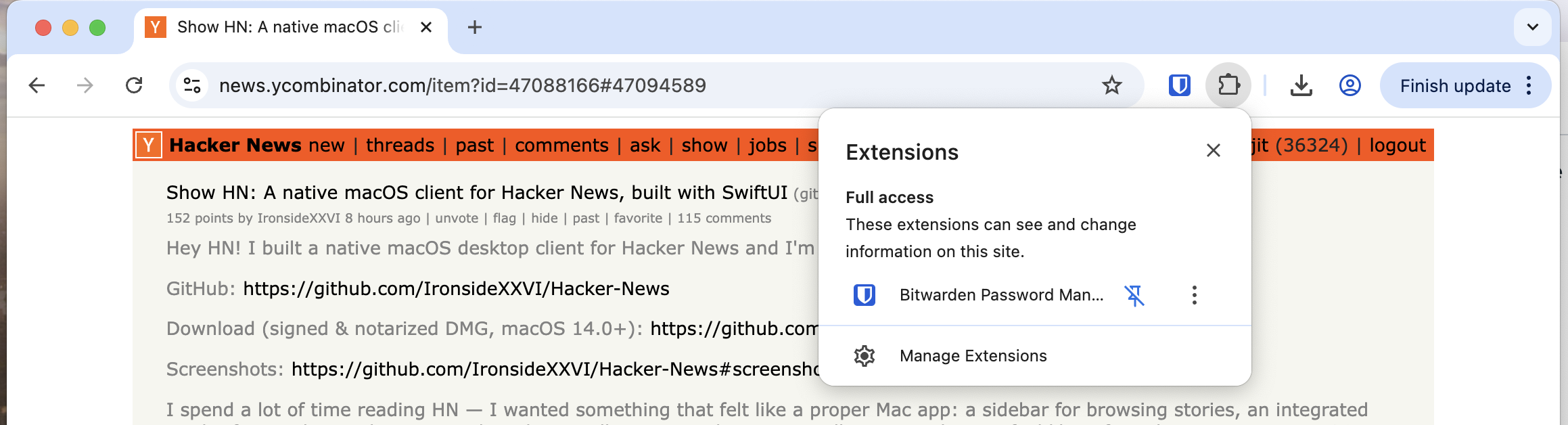
EDIT: Looking into it, seems the tab memory viewer is only looking at the page and does not take extensions into account; if the extensions inject JS/Style to the page then it counts, and Bitwarden seems to only add a small amount of JS to find password dialogues. It uses memory, but outside of the tab viewer.
AI writing will make people who write worse than average, better writers. It'll also make people who write better than average, worse writers. Know where you stand, and have the taste to use wisely.
EDIT: also, just like creating AGENT.md files to help AI write code your way for your projects, etc. If you're going to be doing much writing, you should have your own prompt that can help with your voice and style. Don't be lazy, just because you're leaning on LLMs.
> AI writing will make people who write worse than average, better writers.
Maybe it will make them output better text, but it doesn’t make them better writers. That’d be like saying (to borrow the analogy from the post) that using an excavator makes you better at lifting weights. It doesn’t. You don’t improve, you don’t get better, it’s only the produced artefact which becomes superficially different.
> If you're going to be doing much writing, you should have your own prompt that can help with your voice and style.
The point of the article is the thinking. Style is something completely orthogonal. It’s irrelevant to the discussion.
"You're describing the default output, and you're right — it's bad. But that's like judging a programming language by its tutorial examples.
The actual skill is in the prompting, editing, and knowing when to throw the output away entirely. I use LLMs daily for technical writing and the first draft is almost never the final product. It's a starting point I can reshape faster than staring at a blank page.
The real problem isn't that AI can't produce concise, precise writing — it's that most people accept the first completion and hit send. That's a user problem, not a tool problem."
I don't know if this happens to anyone else but on reading LLM-generated text I did not prompt, my eyes do incredibly quick saccades from start to middle to end in always around <1-2s no matter the length of the text.
It's entirely involuntary, I am just unable to care. It's almost always justified because the text in question is always painfully bloated, and repetitive.
The LLM-text you posted could have been (given I didn't read it carefully):
"Skill issue. Iterate on the output, never accept what you receive on the first pass"
i think a lot of people that use AI to help them write want it specifically BECAUSE it makes them boring and generic.
and that's because people have a weird sort of stylistic cargo-culting that they use to evaluate their writing rather than deciding "does this communicate my ideas efficiently"?
for example, young grad students will always write the most opaque and complicated science papers. from their novice perspective, EVERY paper they read is a little opaque and complicated so they try to emulate that in their writing.
office workers do the same thing. every email from corporate is bland and boring and uses far too many words to say nothing. you want your style to match theirs, so you dump it into an AI machine and you're thrilled that your writing has become just as vapid and verbose as your CEO.
Highly doubt that since its the complete opposite for coding. Whats missing for people of all skill levels is that writing helps you organize your thoughts, but that can happen at prompt time?
Good code is marked by productivity, conformance to standards, and absence of bugs. Good writing is marked by originality and personality and not overusing the rhetorical crutches AI overrelies on to try to seem engaging.
After telling Copilot to lose the em-dash, never say “It’s not A, it’s B” and avoid alternating one-sentence and long paragraphs it had the gall to tell me it wrote better than most people.
Time, effort, and skill being equal, I would suggest that AI access generally improves the quality of any given output. The issue is that AI use is only externally identifiable when at least one of those inputs is low, which makes it easy to develop poor heuristics.
No one finds AI-assisted prose/code/ideas boring, per se. They find bad prose/code/ideas boring. "AI makes you boring" is this generation's version of complaining about typing or cellular phones. AI is just a tool; it's up to humans how to use it.
all the ad blockers I used to use stop working, and it became an annoying game of cat and mouse that I didn't have time for. Luckily, most of the time I can "skip" the ad in like five seconds, and it gives me a moment to catch up on incoming Slack messages.
The only ad blocker I have used for the past couple of years has been uBlock Origin, more recently combined with SponsorBlock.
There has been two or three instances that I can remember when it did not block YouTube ads correctly for a couple of days. But those were quickly patched and it started to work again.
When has ublock origin browser extension ever stopped working?
On a locked down mobile OS like iOS you can use the Brave browser.
No cat and mouse game.
One day I visited DistroWatch.com. The site deliberately tweaked its images so ad blockers would block some "good" images. It took me awhile to figure out what was going on. The site freely admitted what it was doing. The site's point was: you're looking at my site, which I provide for free, yet you block the thing that lets me pay for the site?
I stopped using ad blockers after that. If a site has content worth paying for, I pay. If it is a horrible ad-infested hole, I don't visit it at all. Otherwise, I load ads.
Which overall means I pay for more things and visit less crap things and just visit less things period. Which is good.
Moreover you don’t even need a 0-day to fall for phishing. All you need is to be a little tired or somehow not paying attention (inb4 “it will never happen to ME, I am too smart for that”)
At $JOB IT actually bundles uBlock in all the browsers available to us, as per CIA (or one of those 3-letter agencies, might've even been the NSA) guidelines it's a very important security tool. I work in banking.
I do that as well. For me it is almost exclusively the case with the news sites.
> If it is a horrible ad-infested hole, I don't visit it at all.
Same.
> Otherwise, I load ads.
There is no "otherwise" for me. I simply do not want to load any kind of ads or "sponsored" content. I see no reason, either moral, ethical or other, to ever do that.
Agreed. I was an early adopter of Claude Code. And at work we only had Copilot. But the Copilit CLI isn't too bad now. you've got slash commands for Agents.MD and skills.md files now for controlling your context, and access to Sonnet & Opus 4.5.
Maybe Microsoft is just using it internally, to finish copying the rest of the features from Claude Code.
Much like the article states, I use Claude Code beyond just it's coding capabilities....
Same situation, once I discovered the CLI and got it set up, my happiness went up a lot. It's pretty good, for my purposes at work it's probably as good as Claude Code.


I'm probably just a anti-app guy, but I tried it out.
First thing I went to do was CMD-F to search for some strings in the comments section.
Actually, the real first thing I did, was click on the left-side article preview on the text that said "1 hr ago | 63 comments" thinking it'd navigate me to the comments. See, I like my native hyper-links.
reply