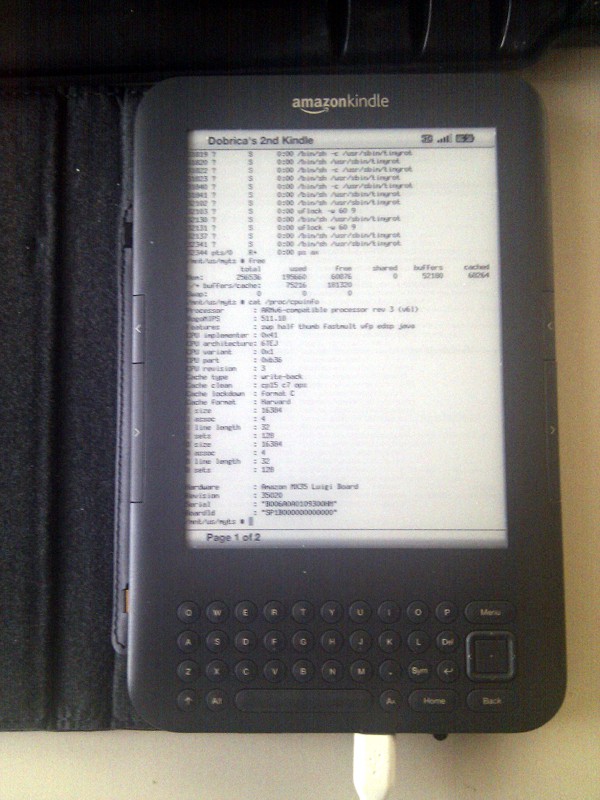
I really want an e-ink (I mean an e-ink-only, not a dual-screen Lenovo ThinkBook) laptop. And I want it monochrome, low-refresh, no-clutter lo-fi. Rich colour, high refresh rates? No, thank you, I appreciate the mental silence classic e-ink devices provide. Just give me a reMarkable with a keyboard, capable to run a terminal and something like Emacs with org-roam.
That's great but I actually want the keyboard to be an integral part of the chassis rather than a separate thing to carry with me and put on a table. Like in classic laptops or like in Lenovo Yoga. This way I would also be able to type the classic laptop way - putting it on my laps when in public transport.
The closest I can think of is the Hemingwrite typewriter which has an e-ink display and is portable in some sense. At $342, I hope it's more than a toy.
But that's really a typewriter. Which is somehow good if you just want text, not code. And here's the problem: these things belong to consumer segments so narrow that I don't see them getting the attention I'd like.
I think I read a blog a few years ago about someone replacing the display in their laptop with an e-ink monitor but I'm having trouble tracking down the link. This might be of interest however...
Most refresh times that are listed are for "full" refreshes, not specific state-to-state timings, specific color transitions can be MUCH faster. This is how the reMarkable achieves its low latency drawing (around 21ms for white to black), which it can do for the whole screen, not just a sub-section. Other specific shade transitions can also be quick, it depends on the details. But it's more than fast enough for typing purposes, your current keyboard-to-display latency stands a decent chance of being higher.
The tradeoff is that continually doing those faster transitions gradually accumulates errors, i.e. ghosting. Which is why e-readers tend to do a few pages of fast changes, then do a full refresh to clear things out (or before/after an image is shown). Fast-transition latency beyond something like 50-100ms from button-press to page-turn nowadays is almost exclusively due to software on the device, not the screen.
I never tried to actually type, only to enter words letter-by-letter with a stylus (on a PocketBook). Obviously I would prefer it to be fast enough to handle typing but I don't want dynamic visual effects which modern UI/web designers consider a norm and I don't need it to play realtime games or videos.