Kinda related, here's a few ffmpeg commands i've probably spent many hours getting to work just right recently (and they might not even the right way to do these things), perhaps someone will find it helpful. All of these are on a macbook.
- play facetime camera (or any avfoundation camera, like a capture card) to mpv
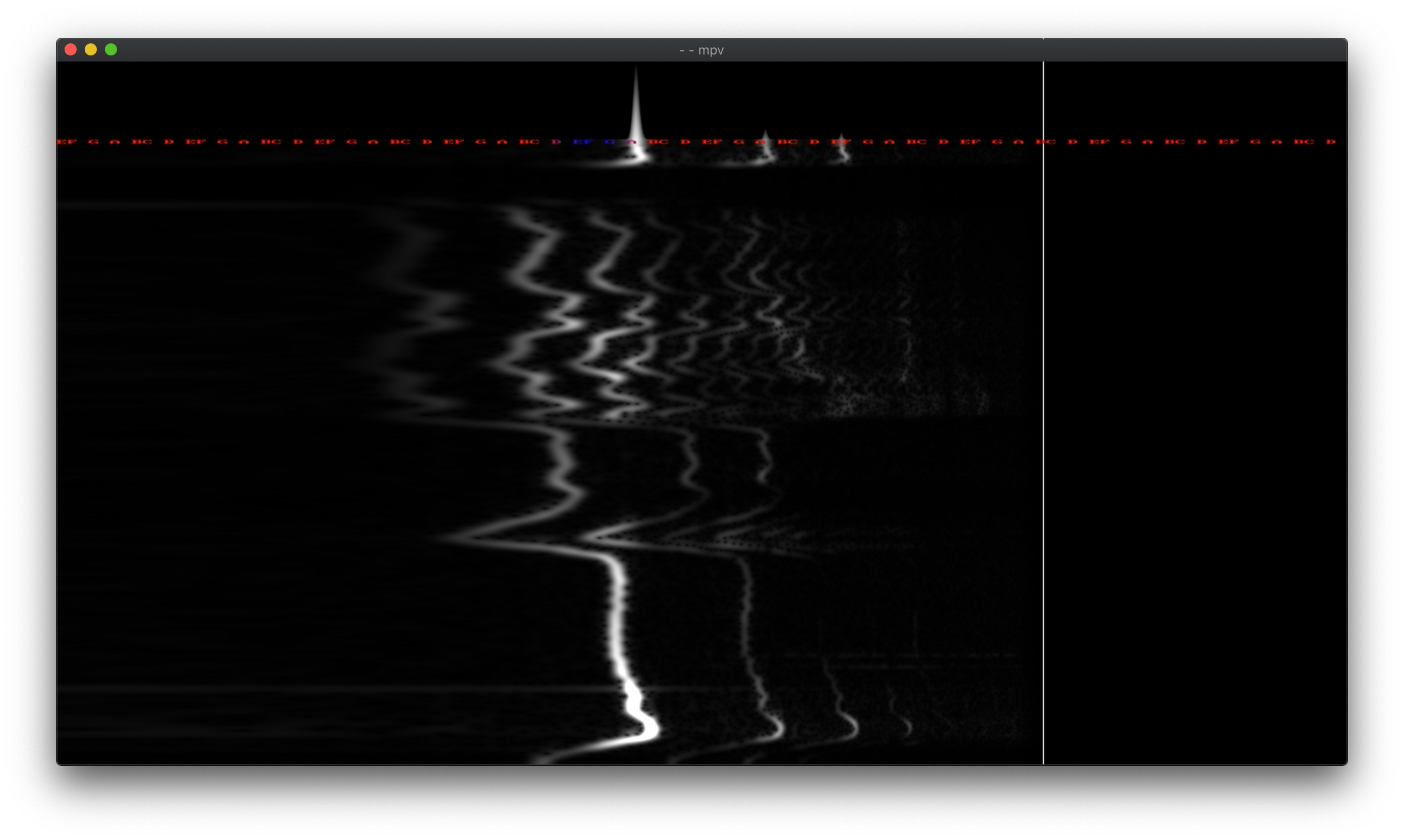
Specifically it's using ffmpeg's showcqt[0] filter, which I find to be by far ffmpeg's most beautiful/comprehensible frequency visualizer. In my example `-i ":0"` refers to my microphone at index "0". To find your system's microphone index you can run `ffmpeg -f avfoundation -list_devices true -i ""`.
Nice, thanks, just tried it, that's quite cool, saving it for later!
Any reason you are running the filters within the `mpv` command vs within the `ffmpeg` command? I honestly have no idea which way is "better" if any, I think underneath both actually use `libavfilter` library?
They’re both the same really! Though I prefer doing the visualizing in mpv because than it’s easier to switch to different visualizations at runtime. With my mpv config I have obscure keyboard shortcuts that'll switch between different ones. But also possible to do it without mpv entirely.
Even ignoring the fact that batch files still have their place in a world where PowerShell exists, that is a needlessly inflammatory reply to someone who shared their knowledge with everyone.
I think I vaguely remembering trying it and eventually gave up as it wasn't working. I believe I arrived at this bug report which still seems open - https://github.com/mpv-player/mpv/issues/8818
Overall I just found it better to leave pretty much everything to the more battle-tested `ffmpeg` and then use mpv to play the content (or can also use ffplay, but I do have have some customizations in mpv which I like).
Yeah. h265 encoding is quite expensive so to be doing it live there is a tradeoff with speed/size. If you take a look at most cameras (I have Fujifilm XT4), if you're recording at 4k resolution with h265 at 60fps, you're looking at 400Mb/s. Which is still not much compared to something like say ProRes422 (~100MB/s)
And nothing compared to raw uncompressed video (recorduing the literal raw video bytes coming uncompressed via HDMI cable) where you can get to something like 1GB/s even (https://www.gammaraydigital.com/blog/just-how-big-are-those-...). In fact in my above commands if you just keep the `rawvideo` format without passing any encoder and try to save to a file, you'll see how large these files can get!
Ever since I started playing with video recording I ended up getting a NAS with 10Gb/s ethernet card, definitely helps!


- play facetime camera (or any avfoundation camera, like a capture card) to mpv
- play raw video stream from the usb camlink capture card - Capture video, and do live HVEC hardware encoding on apple hardware and save result. Control quality with q variable. q=85 is around 250Mb/s: - Use named pipe with mkfifo to play a stream. Sometimes this produces less input lag than other methods.